Java
命名
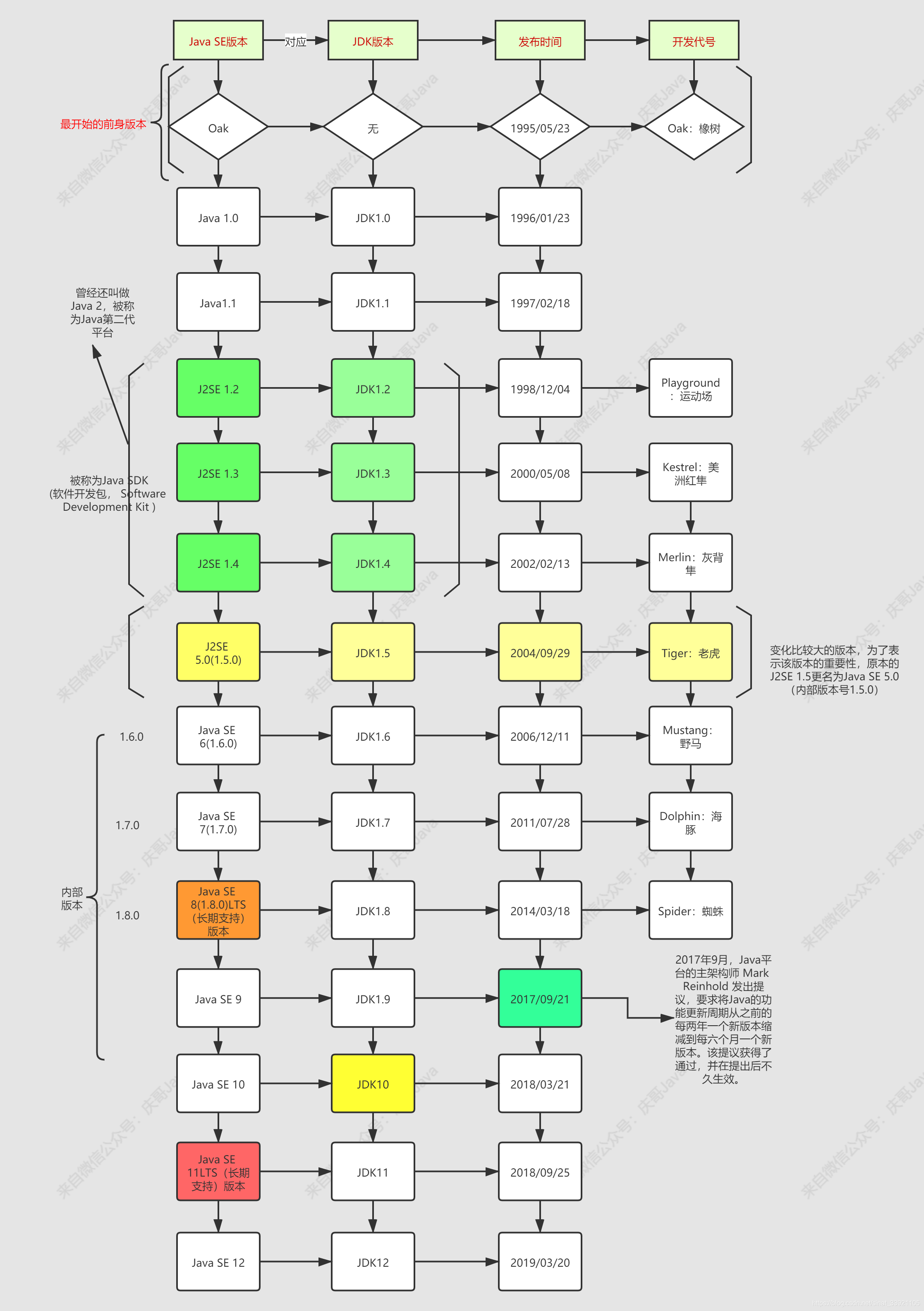
关于 Java 的版本和 JDK 版本命名真的挺乱的,在 2018 年更新 Java SE 10 之后,对应的 JDK 版本叫做 JDK10,后续为了方便统一,之前的 JDK1.8 也可以叫做 JDK8 了!
编译
Java 代码编译执行(mixed 模式下):
- Java 代码经过 javac 编译成 class 文件(字节码)
- class(字节码)文件经过 JVM 编译成机器码,解释执行
- HotSpot VM 采用了 JIT (just-in-time) 技术,将运行频率很高的字节码直接编译为机器指令执行以提高性能
开发环境
PhaseScriptExecution [CP-User]\ Build\ shared /Users/yianzhou/Library/Developer/Xcode/DerivedData/iosApp-gcorauvekaaqwjaehiafcgaelemf/Build/Intermediates.noindex/Pods.build/Debug-iphonesimulator/shared.build/Script-BEA8885189D408D600647BDC228A6A20.sh (in target 'shared' from project 'Pods')

The operation couldn’t be completed. Unable to locate a Java Runtime.
Please visit http://www.java.com for information on installing Java.
我的 jdk 是手动下载的,放在$HOME/Documents/jdk-17.0.17.jdk,我也设置了 bash_profile 和 zshrc 的 $JAVA_HOME,但是 /usr/libexec/java_home -V 仍然找不到 java,我应该怎么做?
如果你不介意改变文件的位置,将其移动到标准位置是更规范的做法。
mv "$HOME/Documents/jdk-17.0.17.jdk" ~/Library/Java/JavaVirtualMachines/